The selection appointment is where your specification stops saying "TBC" and starts saying exactly what goes into your home. It's also where many budgets blow out, and where a lot of later variations begin. This post walks through our new C22 Colour Selections Checklist: what it is, what it does, when to use it, and what you get out of it.
C22 - Colour Selections Checklist
$59.00 AUD
Last updated 10 Oct 2026 · Revision 1 · Free updates for life
Checklist Type: Minor
Form Factor: Fillable, print-ready PDF (A4, 38 pages)
When to use: After you sign, before your selection appointment, and again before you sign off your selections
A 189-check guide to every colour, finish and fitting you'll choose at your selection appointment, so nothing is left to "builder's range" or decided on the spot.
✓ Authorship verified on the blockchain · View certificate
What it is
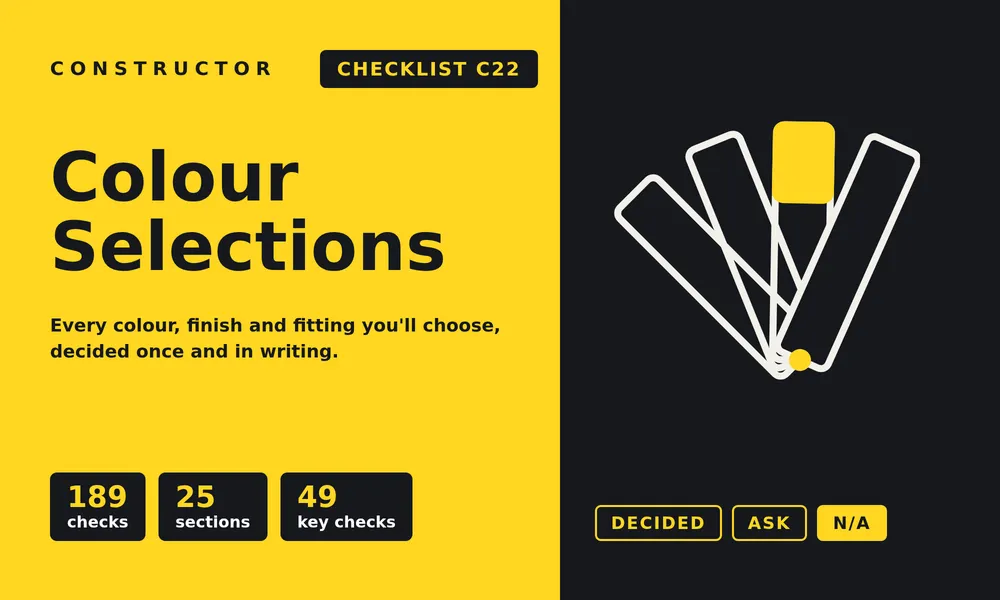
C22 is a fillable, 38-page checklist with 189 checks across 25 sections. It covers every colour, finish and fitting you'll be asked to choose, from the driveway, walls and roof to the kitchen, bathrooms, tiles, floor coverings, power points, lighting, paint and fencing.
Each check explains what the choice involves, what's usually included, what tends to cost extra, and what to get in writing. You mark each one Decided, Ask or N/A, and write your selection in the space beside it. Key checks, the choices that are costly or hard to change later, are marked so you can deal with them first.
C22 sits between our C20 Design Your New Home checklist and the build itself: after you sign, before your selection appointment, and again before you sign off the selections schedule.
What it does
Most people walk into a selection studio with a Pinterest board and walk out with a schedule they've barely read. C22 closes that gap:
- It shows you what's still open. Anything your specification leaves as "builder's range", "standard colour" or "TBC" is a choice you'll make at the appointment.
- It gets every choice into writing, with the product, colour name, finish and location, not just a swatch someone remembers.
- It flags the choices with knock-on effects, like a roof colour that changes your energy rating, a coating that suits your distance from the coast, or a finish that needs a slip rating.
- It helps you check the schedule against your notes before you sign it, so it becomes part of your contract.
When to use it
- Before the appointment: read your specification, list the items still to choose, and ask for the builder's range, price list and prime cost (PC) allowances.
- At the appointment: work through it section by section, writing down each selection as you make it.
- Before you sign off: check the builder's written selections schedule against C22, line by line, and get every upgrade priced in writing.
- During the build: use it to check that what turns up on site matches what you chose.
Why use it
Because selections are easy to make and expensive to change:
- Upgrades add up. Extra paint colours, feature walls, upgraded tapware and benchtops are often priced one at a time, plus the builder's margin.
- PC allowances run out. If your chosen item costs more than the allowance, you pay the difference.
- Late changes cost more. After the cut-off date, a change is usually a variation with an admin fee, even when the new item costs the same.
- Some choices affect compliance. Roof colour and glass feed into the energy rating. Safety glass, security screens and slip ratings have their own requirements.
- Small details get missed. Grout and silicone colours, kickboards, door hardware and gutter guard are easy to forget until they're installed.
Each of these takes a minute to settle with the checklist in front of you, and a variation or a compromise to fix later.
What's in it for you
- A home that looks the way you pictured it, because nothing is left to "builder's standard" by default.
- A clear budget. You'll know what's included, what's an upgrade, and what each upgrade costs before you agree to it.
- Fewer variations and delays, because selections are made once, by the cut-off date.
- A written record to check against the schedule, the contract and the finished work.
What's inside: the 25 sections
| Section | Checks |
|---|---|
| S1Before your selection appointment | 8 |
| S2Driveway, paths and external concrete | 6 |
| S3External walls and cladding | 6 |
| S4Roof, gutters and downpipes | 9 |
| S5Eaves, soffits and outdoor ceilings | 4 |
| S6Windows, glass and external doors | 12 |
| S7Garage door | 3 |
| S8Internal doors, mouldings and hardware | 9 |
| S9Kitchen | 13 |
| S10Pantry, laundry and other joinery | 6 |
| S11Bathrooms, ensuite, powder and WC | 12 |
| S12Tiling, grout and silicone | 9 |
| S13Floor coverings | 6 |
| S14Robes, linen and storage | 3 |
| S15Power, data and the switchboard | 12 |
| S16Lighting | 10 |
| S17Energy efficiency, insulation and fans | 9 |
| S18Sound and acoustics | 8 |
| S19Ventilation and air conditioning | 9 |
| S20Plumbing points, hot water and gas | 6 |
| S21Stairs, balustrades and handrails | 4 |
| S22Internal painting | 7 |
| S23External painting | 6 |
| S24Fencing, outdoor and finishing items | 6 |
| S25After the appointment | 6 |
| Total | 189 |
Plus a result page to total your Decided, Ask and N/A marks, and list what to take back to your builder.
C22 is also included at no extra cost in The Complete Set, Land to Slab, Every Stage Inspection and the Peace of Mind Starter bundle.
A few honest caveats
- C22 is a guide, not legal, financial or design advice. Inclusions, allowances and requirements differ between builders, contracts, states and councils, so confirm details with your builder and designer.
- Not every check applies to every home. Mark those N/A and move on.
- If a choice matters to you, make sure it's on the signed selections schedule. A verbal "yes" in the studio isn't enough.
Related reading
 C20: The Design Your New Home ChecklistOur C20 Design Your New Home Checklist gives you 372 questions across 30 sections to settle before your plans are final, so your home suits how you live and you don't pay for changes later.
 Questions to Ask When Choosing a BuilderHiring the right builder is essential. In this post we discuss our C4 Asking the Right Questions (Choosing Your Builder) checklist: questions to assess a builder’s experience, quality practices and project management, so you can decide with confidence before signing a contract.
 C15: Your Ultimate Painting Inspection Checklist (from design to execution)You don't need to be a painter to ensure a top finish on your new home. In this post we walk you through our painting checklist to help you oversee your builder's painting work, protect your investment, and ensure a best result.