Your electrical plan is locked in before the electrical rough-in. Change it after the plaster goes up and you pay for it, in patching, painting and extra electrician time. Here's how to get it right the first time.

C20 - What You Should Know When You Design Your New Home
$59.00 AUD
Last updated 22 Oct 2026 · Revision 2 · Free updates for life
Checklist Type: Minor
Form Factor: Fillable, print-ready PDF (A4, 34 pages)
When to use: Design stage: before the plans and specification are finalised and before you sign
A 134-check guide to work through with your designer while the plans are drawn. Settle the block, the sun, the layout, the energy rating, the services and the contract early, so a change costs a redraw, not a variation.
What an electrical plan is
An electrical plan is a floor plan marked up with everything electrical: lights, switches, power points, data points, fans, exhaust fans, smoke alarms, outdoor lights and the switchboard. Your electrician uses it as the roadmap when running cables through the frame at rough-in.
You don't choose the cable sizes or how many circuits the house needs. Your licensed electrician sets those under AS/NZS 3000, the wiring rules. Your job is to decide what goes where.
The rules you're planning around
A few requirements apply whatever you choose:
- Smoke alarms. Queensland requires new homes to have hardwired, interconnected photoelectric smoke alarms in every bedroom, in hallways connecting bedrooms to the rest of the house, and on every storey.
- Safety switches. RCD (safety switch) protection is required on every power and lighting circuit in a new home.
- Lighting power limits. The NCC limits how many watts of lighting you can install per square metre (about 5 watts per square metre inside the house, less for verandahs and the garage). With LEDs that's rarely a problem, but a ceiling full of downlights can bust it.
- Whole-of-home energy. Since NCC 2022, your home must meet an overall energy budget that includes major appliances and any solar. Your choices here feed into it.
Walk through each room
The best way to build your plan is to walk through each room in your head (or on site, once the frame is up) and think about how you'll actually live there.
Switches
- Put switches on the handle side of doors, not behind the door when it's open.
- Use two-way switches at both ends of hallways and stairs, and at both doors of rooms with two entries.
- Put the switch for outdoor lights inside, next to the door.
Power points
- Bedrooms: both sides of the bed, plus where a desk or TV might go.
- Kitchen: plenty along the benches, on the island, and inside the pantry for appliances you keep there.
- Living: the TV wall (with data), both ends of the lounge, and near reading chairs.
- Bathrooms: near the mirror for hair dryers and shavers, clear of water.
- Laundry: washing machine, dryer and a spare.
- Garage: workbench, freezer, garage door motor and a spare.
- Outdoors: weatherproof outlets on the alfresco, and near the barbecue and garden.
Check that power points won't end up hidden behind the fridge, the bed head or built-in furniture.
Dedicated circuits and future plans
Think about the big loads and plan for the future:
- Oven, cooktop and dishwasher.
- Air conditioning.
- Hot water system.
- Pool pump.
- Solar, a battery and an EV charger. Even if you add them later, ask for switchboard space and cabling now. It's cheap during construction and expensive after.
Data and TV
Plan data points where you'll want reliable internet: study, TV wall, and the spot where your NBN equipment and router will live.
Planning your lighting
Start with natural light
Natural light is free. Work windows, skylights and solar tubes into your design so you need fewer lights during the day.
LEDs are now the standard
Incandescent and most halogen lamps have been phased out in Australia, and LEDs are the standard. The choices that matter now:
- Colour temperature. Warm white, around 3000K, suits living areas and bedrooms. Cooler white, around 4000K, suits kitchens, laundries and work areas.
- Dimmable. Check both the fitting and the dimmer are compatible.
- Fire rating and insulation clearance. Downlights should be suitable for being covered by insulation, so you don't lose insulation coverage around every light.
Layer your lighting
- Ambient: general lighting, like downlights or ceiling fittings.
- Task: pendants over the kitchen island, under-cabinet strips, lights over the bathroom mirror.
- Feature: wall lights or strips to highlight artwork or a feature wall.
Choose fittings that suit the style of your home and keep them consistent room to room.
Outdoor and security lighting
A well-lit home is less attractive to burglars and safer to walk around at night.
- Light the front door, the path, the driveway and the back door.
- Motion-sensor floodlights only come on when someone is there.
- Use timers or daylight sensors so you don't have to remember.
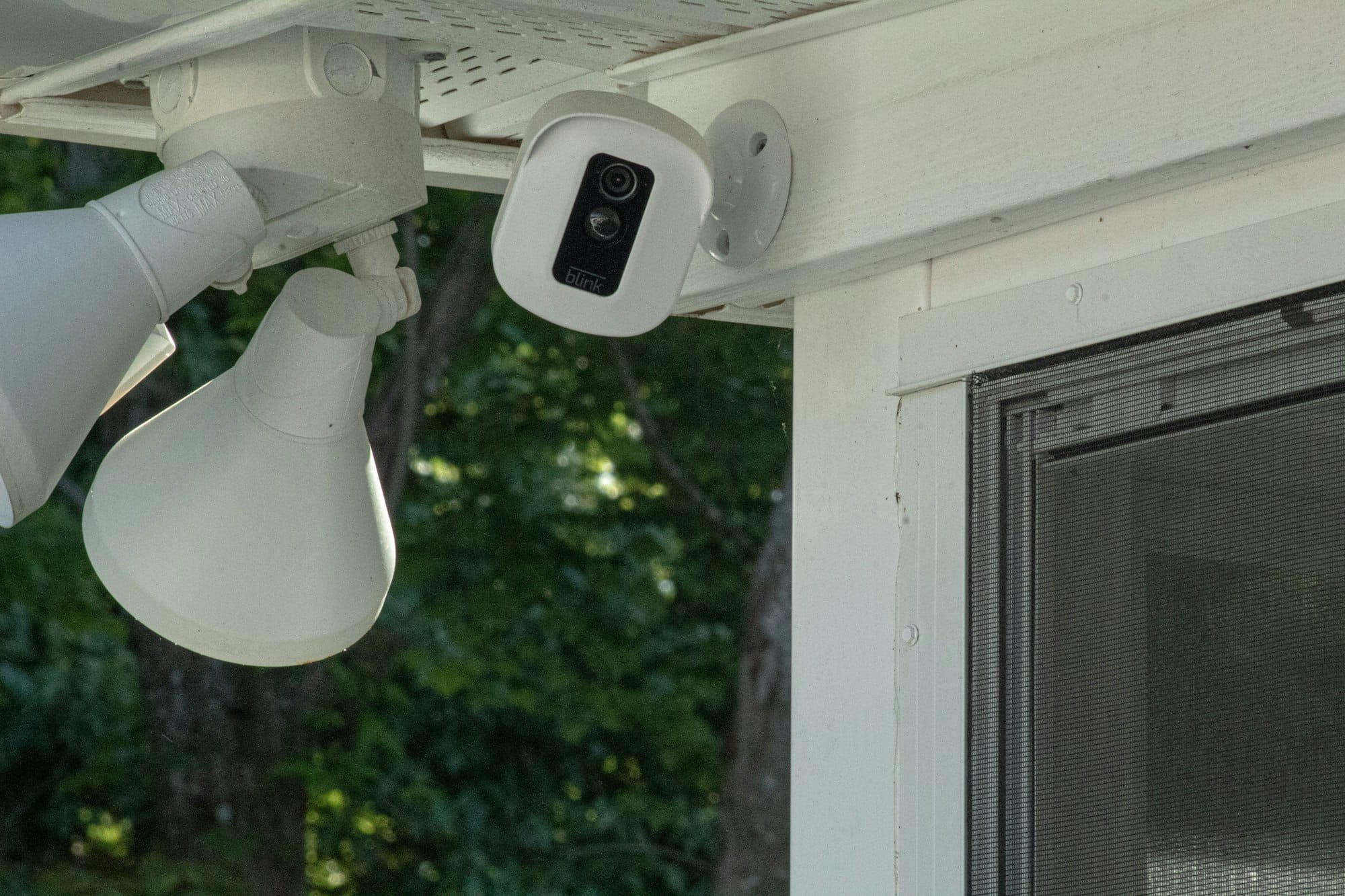
- If you want cameras or a doorbell camera, plan power and data for them now.
Saving money on running costs
- Look for the Energy Rating Label (the star rating sticker) on appliances sold in Australia.
- Use task lighting so you're not lighting a whole room to read.
- Install dimmers in living areas.
- Use timers and sensors on outdoor lights.
- Solar can cut your daytime power costs, and a battery can stretch that into the evening.
Preparing for your electrician meeting
- Mark up a copy of your floor plan room by room with every light, switch, power point and data point.
- Note furniture positions so outlets end up where you need them.
- Collect photos of lighting you like.
- List your questions, including what's included as standard and what each extra costs.
- Know your budget. Extra points add up fast, so prioritise.
Check it at rough-in
Before the plasterboard goes on, walk through with your plan and check every switch, power point, light and data point is where you agreed. Moving a cable now takes minutes. After plaster, it's a patch and paint job. Our C10 Rough In checklist covers what to look for at this stage.
Take photos of every wall before it's lined, so you always know where the cables run.
Further reading
 Anthony Painter
 Anthony Painter