
On a well-run building site, quality runs on paperwork. Builders and their trades use inspection plans, non-conformance reports, site instructions and registers to track what has been checked, what is wrong and who is fixing it. As a homeowner you're usually on the outside of that system. You see the work, you get the progress claims, and you're left trying to remember what was said on site three weeks ago.
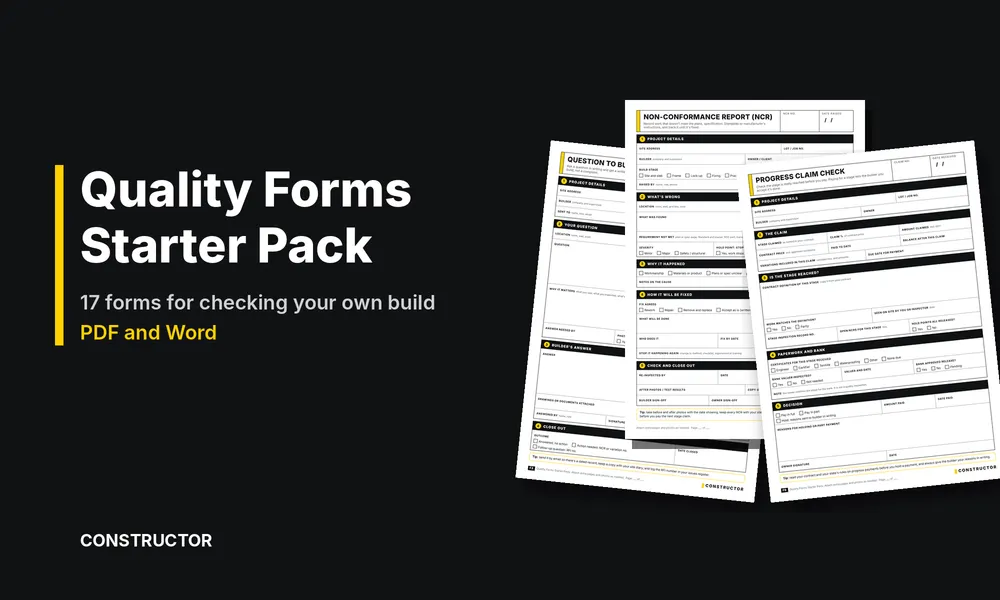
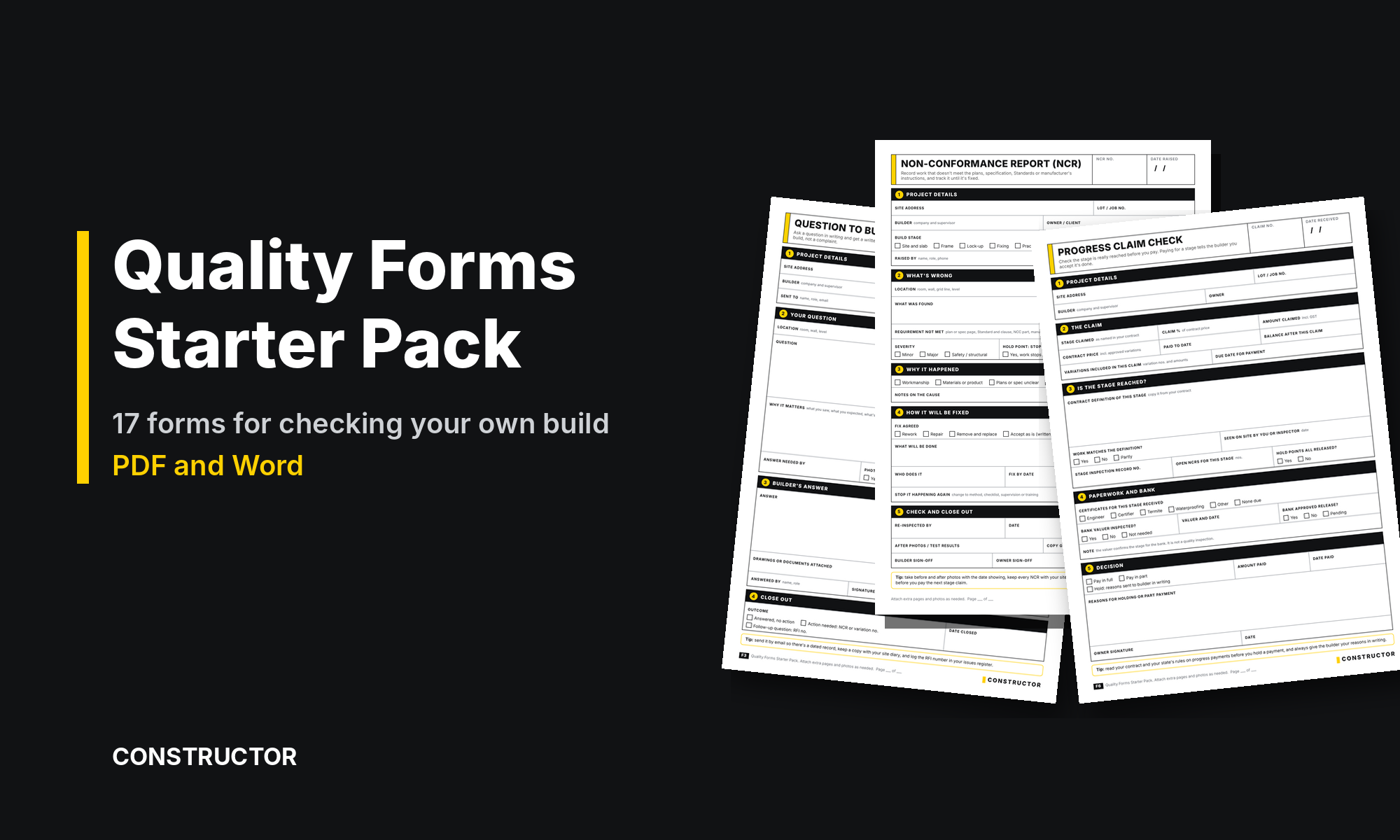
When we drew our own non-conformance report for the post on demystifying ITPs, it became obvious that homeowners need more than one form. So we built a full set. The Quality Forms Starter Pack is 17 forms, each as a print-ready PDF and an editable Word file, written for owners checking their own new build.
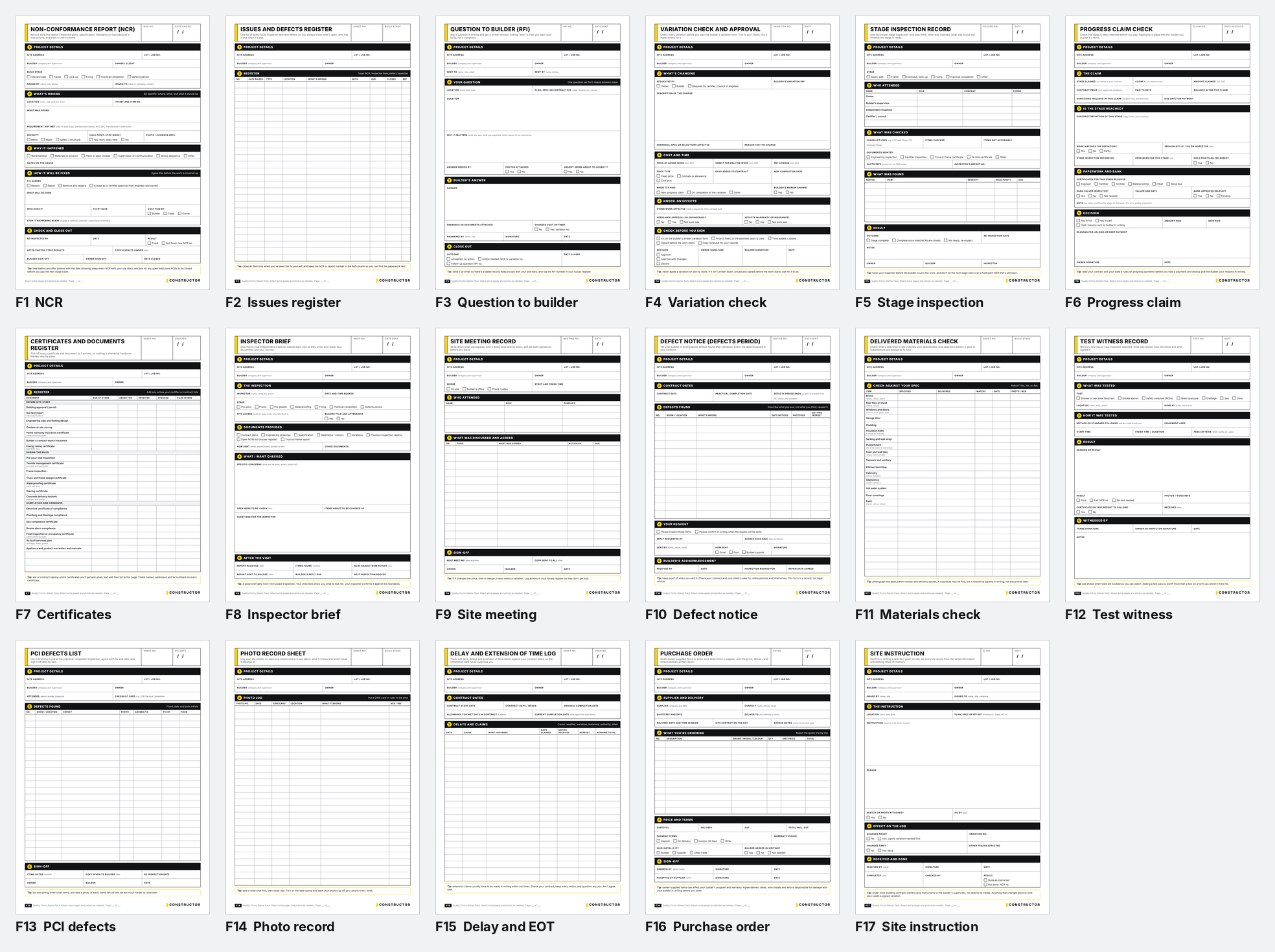
What's in the pack
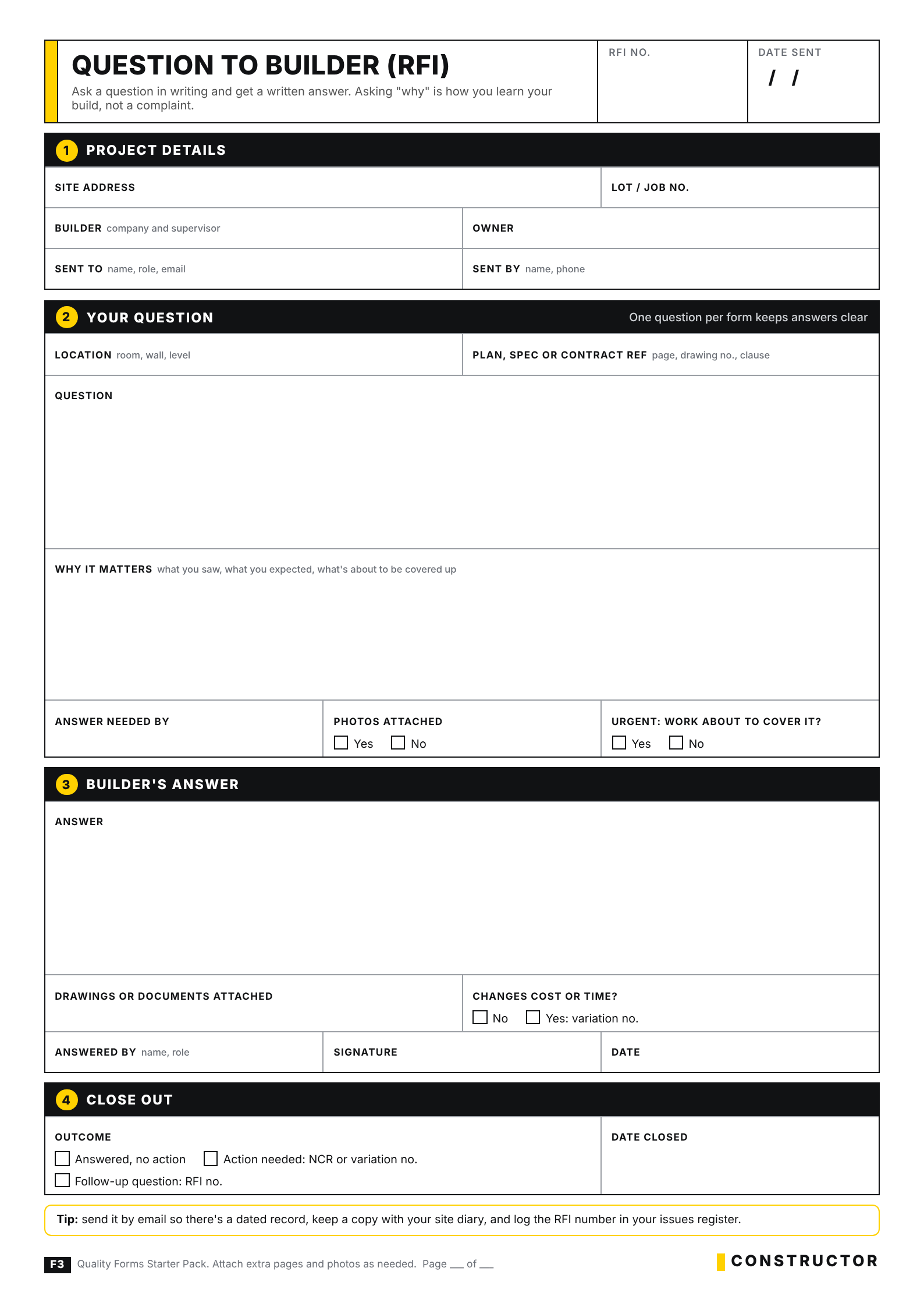
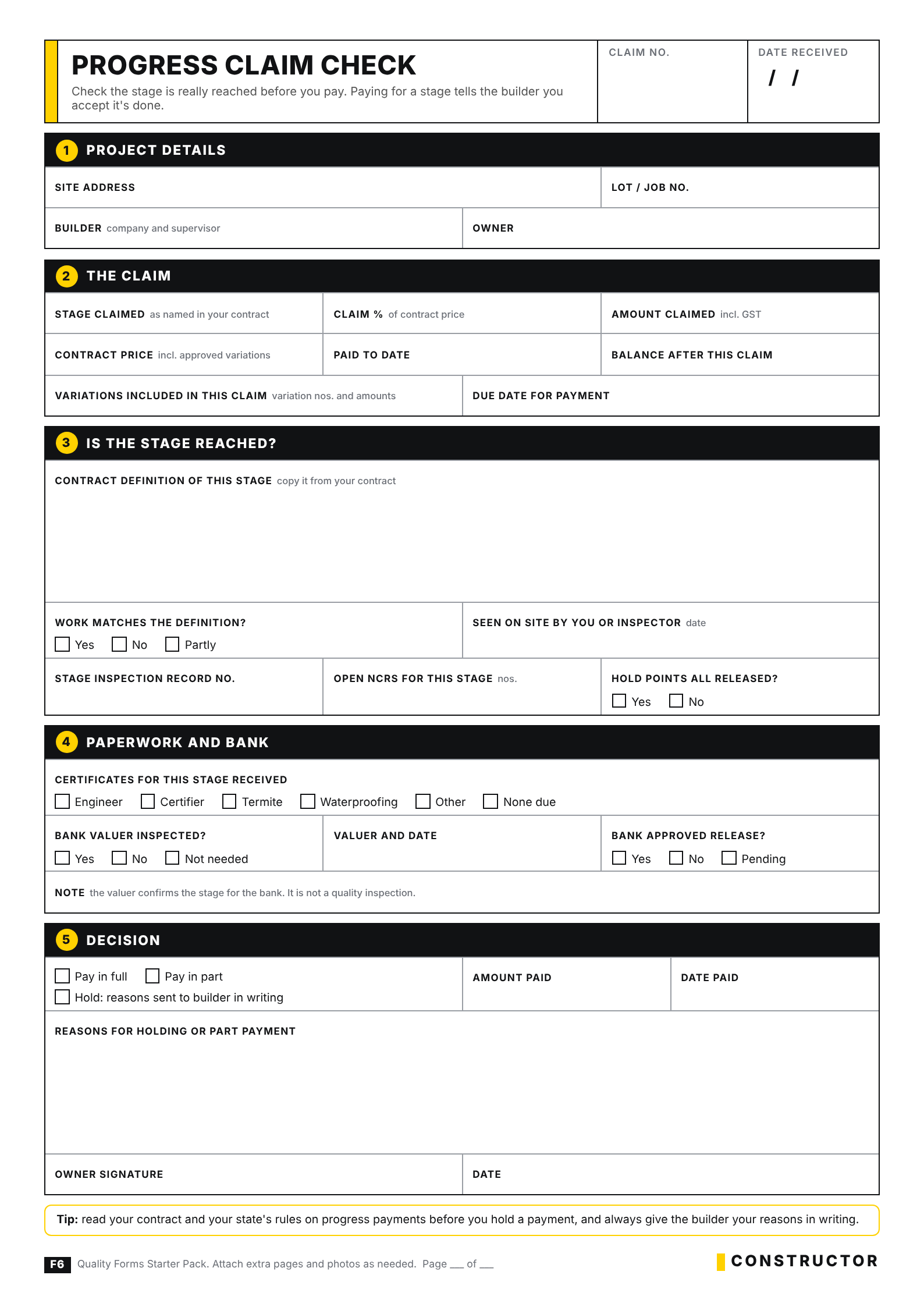
Every form follows the same layout: project details at the top, numbered sections, plain English prompts, tick boxes where a choice is needed and a tip at the bottom. Each one has space for you to fill in your part and for the builder, trade or inspector to answer and sign on the same page.
Track problems until they're fixed
- F1 Non-Conformance Report (NCR): record one item that doesn't meet the plans, spec, a Standard or the manufacturer's instructions, and follow it through to sign-off.
- F2 Issues and Defects Register: one running list of every NCR, inspector item and defect, who has it and when it's due.
- F13 PCI Defects List: everything found at the practical completion inspection, with the agreed fix and date for each item.
- F10 Defect Notice: tell your builder in writing about defects found after handover, within the defects period in your contract.
Ask, agree and confirm in writing
- F3 Question to Builder (RFI): ask a question in writing and get a written answer.
- F4 Variation Check and Approval: check price, time and knock-on effects before you sign the builder's variation form.
- F9 Site Meeting Record: who met, what was agreed, who does what by when, and both signatures.
- F17 Site Instruction: confirm a direction given on site, and whether it changes price or time.
Check stages, tests and payments
- F5 Stage Inspection Record: who attended, what was checked, what was found and whether the stage is ready.
- F6 Progress Claim Check: is the stage really reached, are the NCRs closed and has the bank valuer been, before you pay.
- F12 Test Witness Record: a flood test, smoke alarm, safety switch or pressure test you or your inspector watched.
- F7 Certificates and Documents Register: 21 common certificates and documents listed by stage, so nothing is chased at handover.
Work with your inspector, suppliers and records
- F8 Inspector Brief: give your independent inspector your documents, open items and concerns before each visit.
- F11 Delivered Materials Check: check bricks, roofing, windows, tiles and fittings on site match your spec before they go in.
- F16 Purchase Order: order owner-supplied items or extra work direct from a supplier, with delivery and responsibilities written down.
- F14 Photo Record Sheet: log each photo with its location, what it shows and which issue it belongs to.
- F15 Delay and Extension of Time Log: wet days, delays and extension claims against your contract dates.
Why written records matter
This isn't about catching your builder out. In 26 years in building I've seen that most builders don't set out to cut corners. Supervisors run many jobs at once, trades change from week to week, and time and cost pressure is constant. In that environment, things said on site get forgotten, and small problems get covered up by the next stage of work, usually by accident.
A short written record fixes most of that. A question sent by email gets a considered answer. A variation checked before it's signed doesn't turn into an argument at the final claim. A defect listed with a photo and a date is much easier to get fixed than one you mention in passing. Good builders keep records like these themselves, and most are glad when an owner does too.
How to use the forms through your build
- At contract signing: start the F7 certificates register and ask your builder which certificates you'll receive and when.
- When something isn't clear: send an F3 question rather than waiting for the next site visit.
- Before each stage inspection: send your inspector an F8 brief, then record the visit on an F5.
- When something is wrong: raise an F1 NCR and log it on your F2 register.
- Before you pay a claim: work through an F6 progress claim check.
- At practical completion: list everything on an F13, and keep F10 notices ready for the defects period.
PDF and Word, so you can use them your way
Every form comes twice. The PDF is laid out for printing on A4, so you can keep a stack in the car and fill them in on site. The Word version can be typed into, saved for each job, emailed and edited. You can add your own items to the registers, or adjust a form to suit your contract.
How it fits with your other Constructor tools
Our checklists tell you what to look for at each stage. The Constructor Site Diary records each visit. These forms are what you send, agree and sign when you find something, need an answer or are about to pay. None of them replace an independent building inspector. They help you brief your inspector well and follow up properly on what they find.
A note on contracts
Building contracts and the rules for progress payments, variations, extensions of time and defects vary from state to state. The forms prompt you to check your own contract, and the defect notice says plainly that it's a record, not legal advice. If a dispute is brewing, talk to your state's building authority or a lawyer early.
Get the Quality Forms Starter Pack
The pack is A$39 for all 17 forms in PDF and Word. It's an instant download, and you get any updates to the forms free.
Quality Forms Starter Pack
$39.00 AUD
Last updated 11 Oct 2026 · Revision 1 · Free updates for life
Product Type: Homeowner quality forms
Form Factor: 17 forms, each as a print-ready A4 PDF and an editable Word file
When to use: From contract signing to the end of the defects period
NCR, defects register, question to builder (RFI), variation check, stage inspection record, progress claim check, certificates register, PCI defects list, site instruction and more.
Want to try one first? The non-conformance report is a free download on our checklists page.


