Introduction
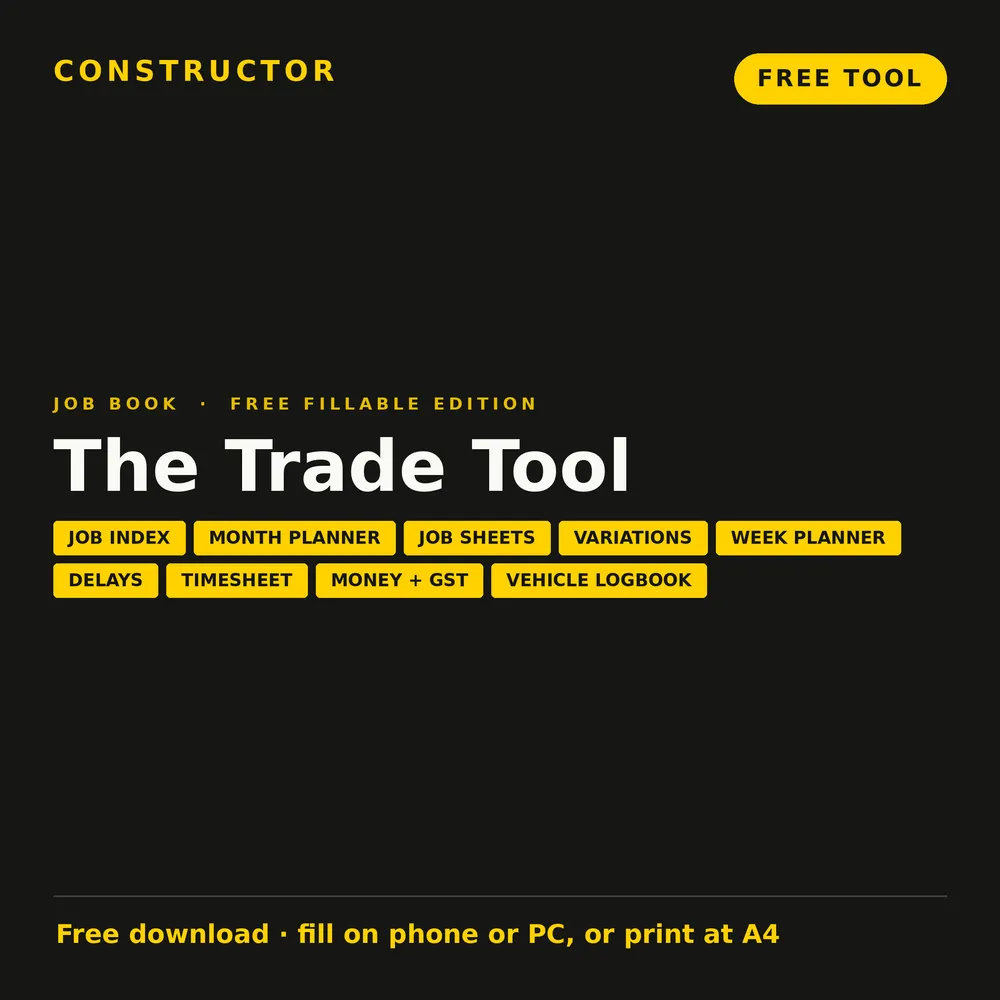
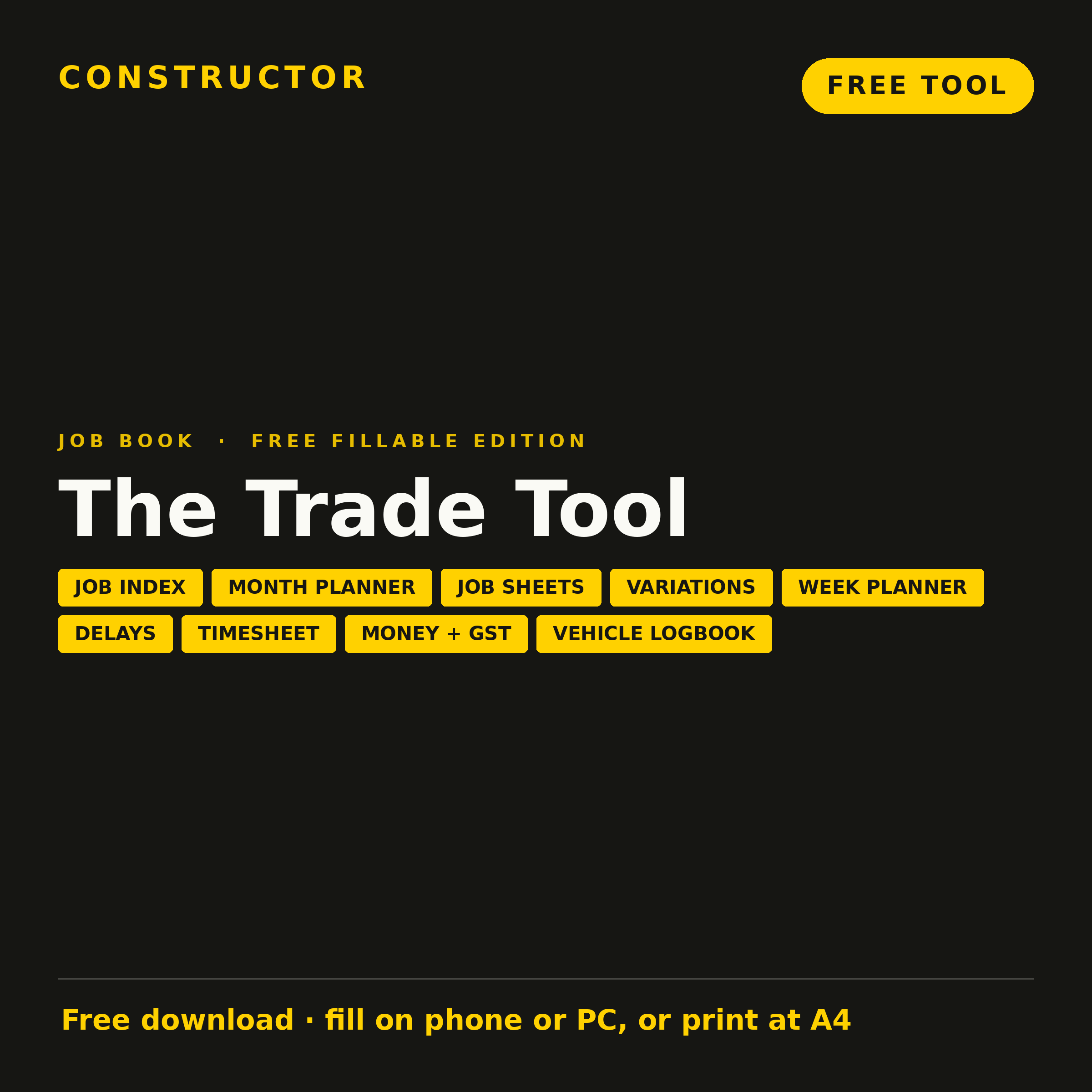
The Trade Tool is a simple job book for trades. It started as a set of A3 paper planners, and it's now a free fillable A4 PDF you can type into on your phone, tablet or computer, or print at home and fill in by hand.
Why bother, when there are so many apps? Because most tradies don't need another subscription and another login. They need one place to see every job, what's booked this week, what was agreed on site, what's been invoiced and what's still owed. I've spent 26 years managing building sites, and the trades who run smoothly are nearly always the ones who write things down at the time.
The Trade Tool
Free
Checklist Type: Free tool
Form Factor: Fillable A4 PDF (22 pages). Fill it in on your phone or PC, or print at home
When to use: Every job, from the first call to the day the money lands
A free taster of the Trade Tool Job Book. Give every job a number and keep its job sheet, diary, variations, delays and money in one place.
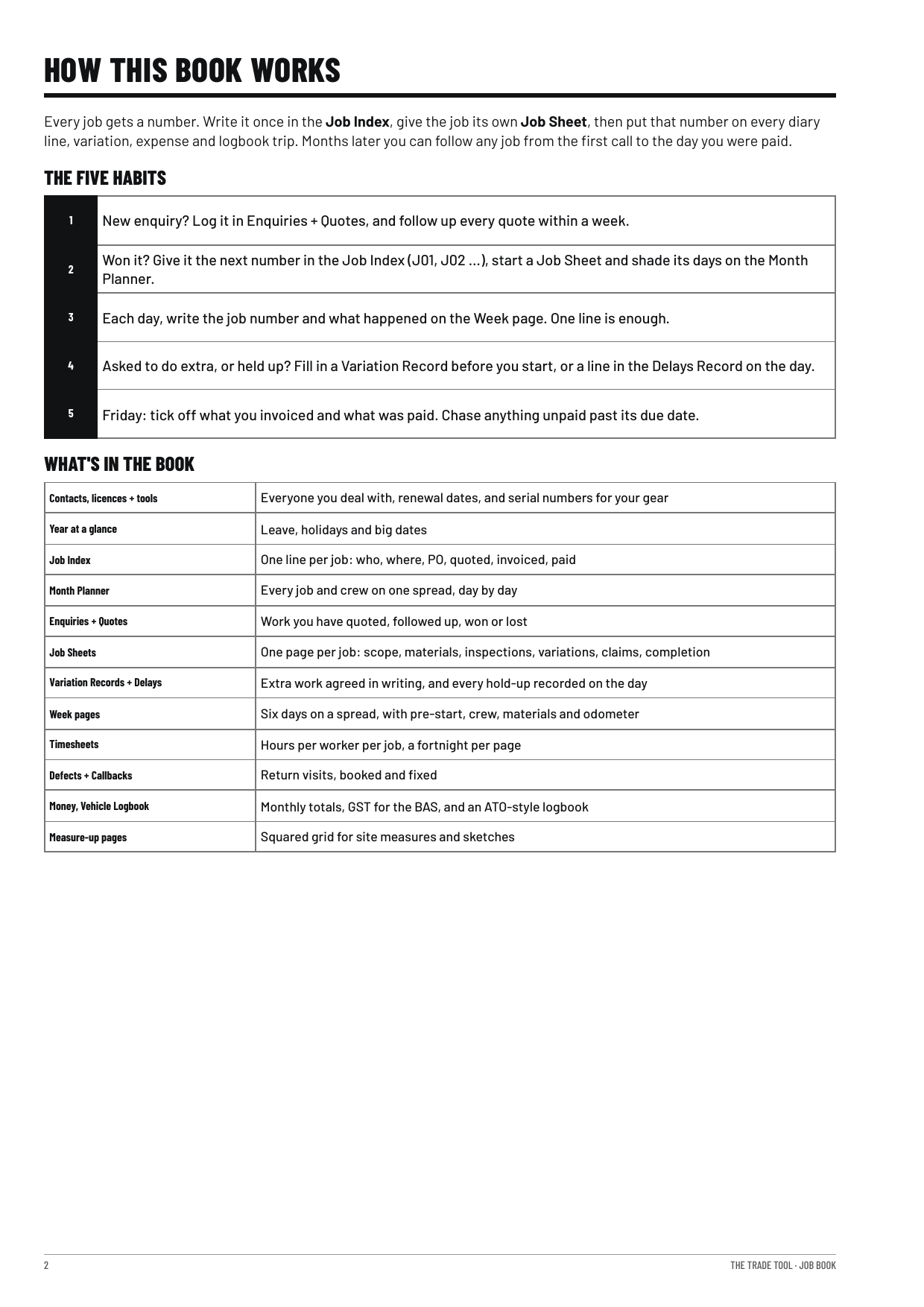
How it works: one number per job
Every job gets a number: J01, J02 and so on. Write it once in the Job Index, then use it everywhere else in the book.
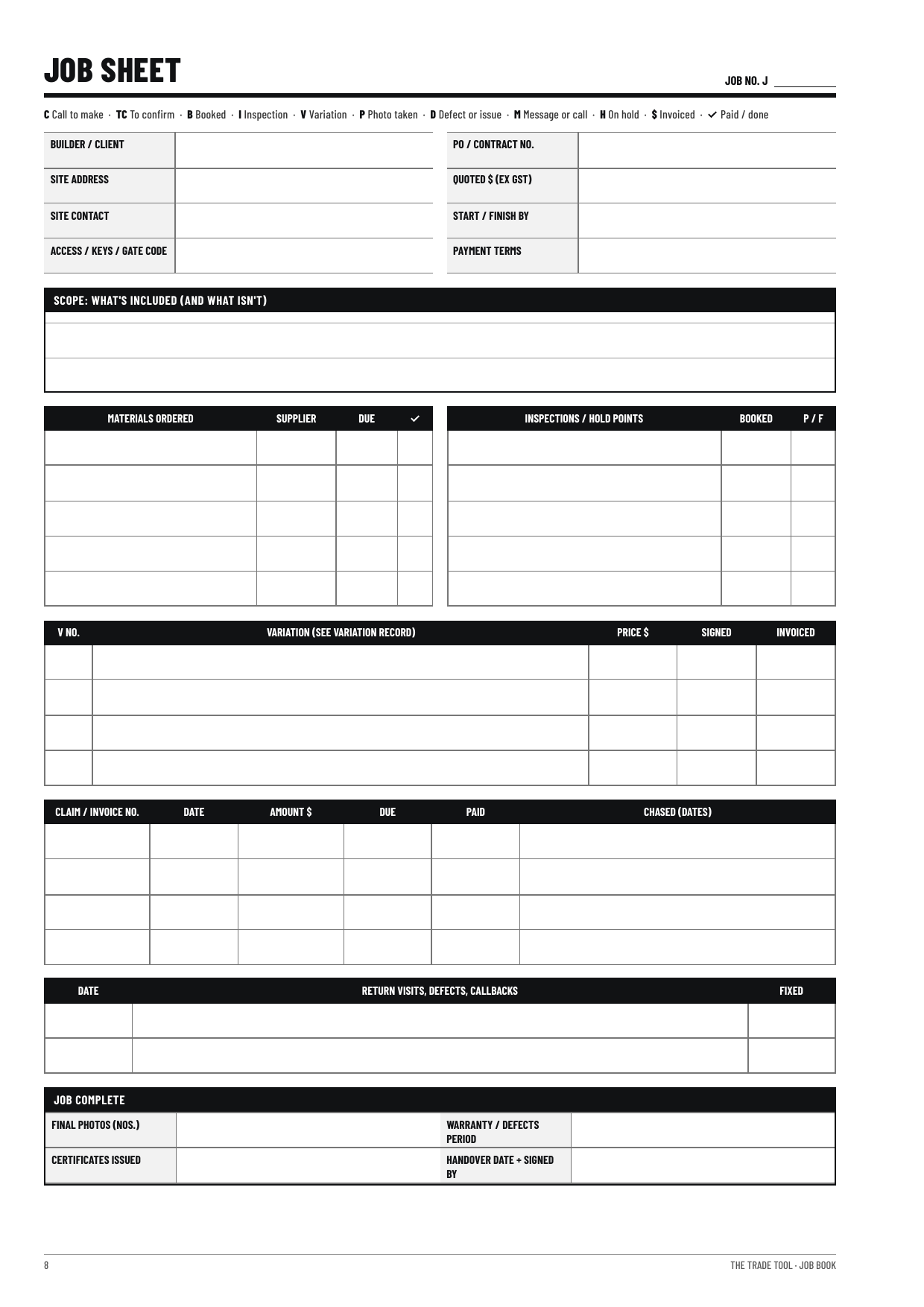
- Job Sheet: the job's contacts, scope, quote, POs, inspections, invoices and payments, all under its number.
- Week diary: each line starts with the job number, so you can see where you were and what got done.
- Variations: extra work is written up against the job number and signed before you start.
- Delays: every hold-up is logged on the day, against the job it affected.
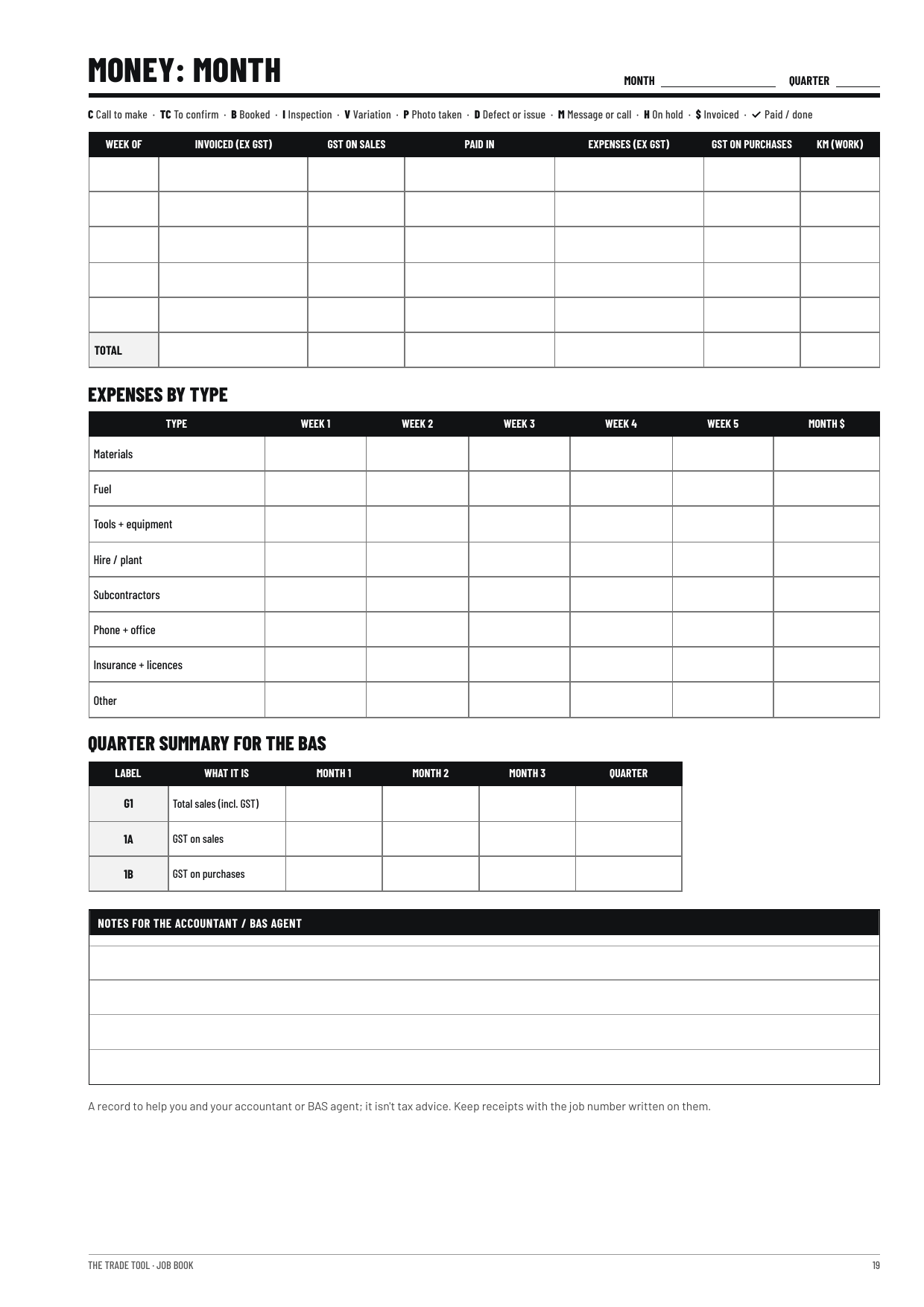
- Money: income and costs carry the job number, so you can see which jobs actually paid.
Short codes keep it quick: C for a call to make, TC to confirm, B booked, I inspection, V variation, P photo. The same codes work on every page.
Fill it on your phone or PC, or print it
The free edition is a fillable PDF. Open it in a PDF app on your phone or tablet, or in Adobe Reader or your browser on a computer, type into the boxes and save as you go. If you'd rather write by hand, print the pages you need at A4 and keep them in a folder in the ute.
Who it is for
- Tradespeople and subcontractors juggling several builders, supervisors, POs and invoices at once.
- Small contractors running a crew who need timesheets, delays and variations on record.
- Owner builders who want to keep track of their own trades, bookings, inspections and spending.
What's inside the free edition
- How the book works, the codes and setting up
- Job Index
- Month Planner
- 3 Job Sheets
- 2 Variation Records
- 2 Week spreads (a day-by-day diary)
- Delays Record
- Timesheet (one fortnight)
- Money and GST (one month)
- Vehicle Logbook
- A page of Constructor checklists and tools for owner builders
Preview the pages before you download, or view the authorship certificate for this edition.
A printed job book is coming
A printed A4 coil-bound Trade Tool Job Book, with a full year in about 230 pages, is coming soon for A$64.95 delivered within Australia.
Download the Trade Tool
Give it a go. Get The Trade Tool free.
 Effective Site SupervisionThis article outlines practical strategies to enhance construction efficiency, maintain accurate progress reports, and foster good communication with clients and trades. Key elements include planning site visits, maintaining progress charts, and managing unexpected challenges like weather delays.
 The Reason Behind a Carpenter’s Flat Red Construction PencilHave you ever wondered why a carpenter’s red construction pencil is distinctly flat? This article looks into the why’s and how’s of this peculiar design, highlighting its practicality. Unfurl the reason’s by reading on.
 Best Men’s Steel-Cap Sneakers for Construction (2025)Steel-cap sneakers are changing job-site footwear. You can get rated toe protection and slip-resistant traction with the feel of a running shoe. We compare five top picks for 2025.
 Top Men’s Waterproof Construction Boots: 2024 ReviewChoosing the right footwear is important for ensuring safety in construction sites and similar demanding work environments. This article reviews the best waterproof construction boots for men available in 2022. Comfort, durability, and protection are considered in this guide.