

Every builder keeps a site diary of some sort. For a lot of us it's a mix of a notebook, a camera roll with 6,000 photos, and text messages we can't find when we need them. That's fine until there's a dispute, a defect claim or a client asking what happened on site last Tuesday.
A good daily report app fixes that. It records what happened, who was there, the weather, issues and photos, in one place, and turns it into a report you can send to a client or pull up years later. Here's how the main options compare.

What a daily report app should do
The basics:
- Daily logs: labour on site, work done, deliveries, weather, delays and visitors.
- Photos linked to dates, locations and issues, not lost in a phone.
- Issues, defects and punch lists that can be assigned, tracked and closed out.
- Pinning issues on drawings so everyone knows exactly where the problem is.
- Custom forms for your own inspections, safety checks and Inspection and Test Plans.
- Reports you can send to clients and the office with a couple of taps.
- Offline use, because plenty of sites still have patchy mobile coverage.
How we compared them
We scored each app out of 10 on six criteria: usability, features, integrations, customer support, pricing and customisation, then averaged them. The reviews are based on the features and pricing we tested and checked in early 2024, plus my own use of some of these apps on real jobs. Software changes fast, so check the current plans and prices before you buy. All the apps below have free trials or demos.
Insite: best for small builders on a budget
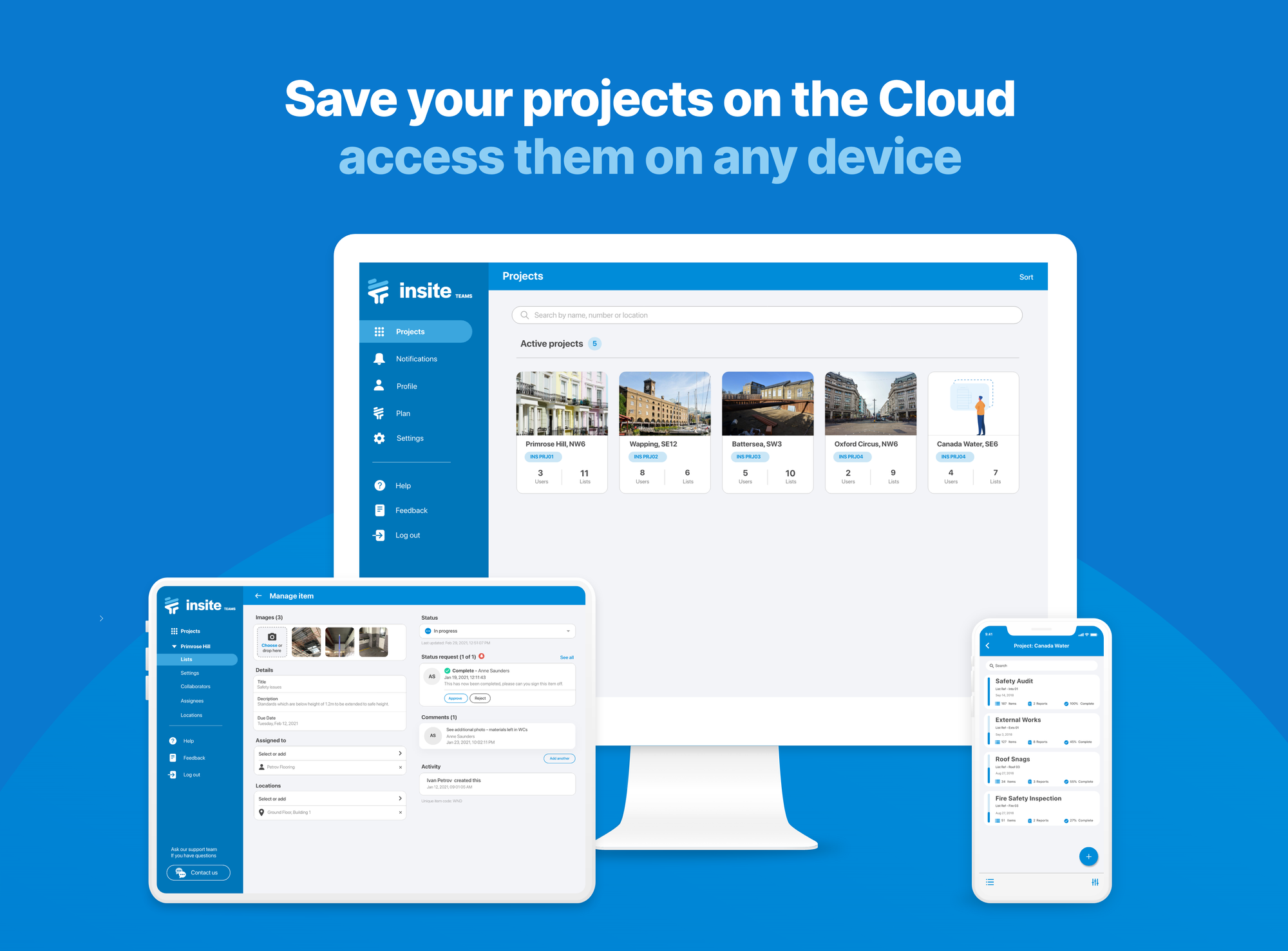
Insite is the simplest of the bunch to set up and use. It works on mobile and desktop, including offline, and covers audits and snagging, daily reports, custom templates, pinning issues on drawings and photo markup.
- Usability (9): clean and simple; site staff can pick it up without training.
- Features (8): everything a small builder needs for daily reports and inspections.
- Integrations (7): limited published integrations, though the team will customise to suit your workflow.
- Support (9): help centre, training packs and responsive direct support.
- Pricing (8): tiered plans from individual inspectors up to enterprise, with a free trial. When we priced a custom enterprise plan it was very affordable per user.
- Customisation (8): custom templates, workflows and report formats.
Overall: 8.2/10
Fieldlens by RedTeam
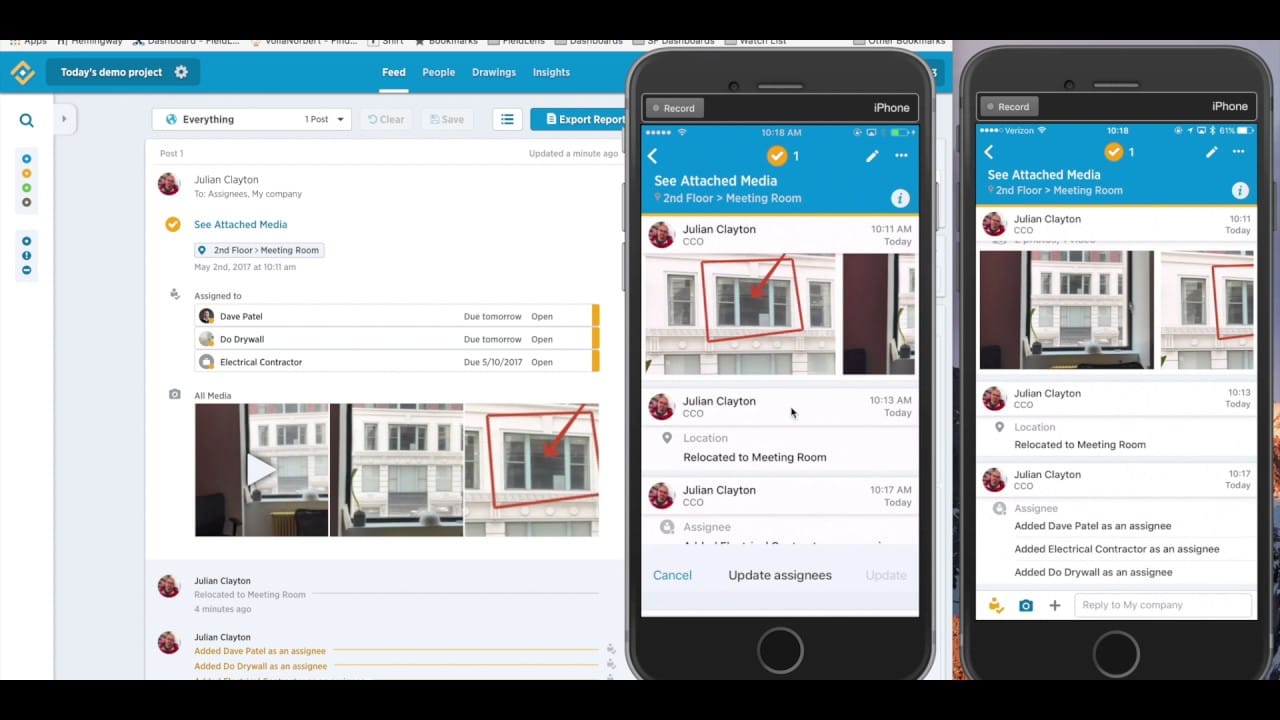
redteam.com/product/fieldlens-by-redteam
Fieldlens is built for collaboration between office and field: task management, real-time notifications, design reviews and a multilingual interface. It links into RedTeam Flex if you want fuller construction management.
- Usability (9): easy for both field and office teams.
- Features (9): strong task and issue tracking and photo management.
- Integrations (8): through the RedTeam ecosystem.
- Support (9): in-app chat support for all users.
- Pricing (8): per user per month, with volume discounts for 10 or more licences and no implementation fees.
- Customisation (8): the Ecosystem add-on gives unlimited external collaborators access.
Overall: 8.5/10
I used Fieldlens for about four years, from 2015 to 2019, mainly for recording site activity, issues and non-compliance, and for client progress reports. Its photo management is excellent: images in reports link back to Fieldlens, so you can still download them if you lose your originals.
The challenge I hit, and it applies to every app, was getting suppliers and subcontractors to use it. Many suppliers block external links through their firewalls, and plenty of trades simply won't log in. Whatever app you choose, a lot of site communication will still happen by SMS and email.
Fieldwire
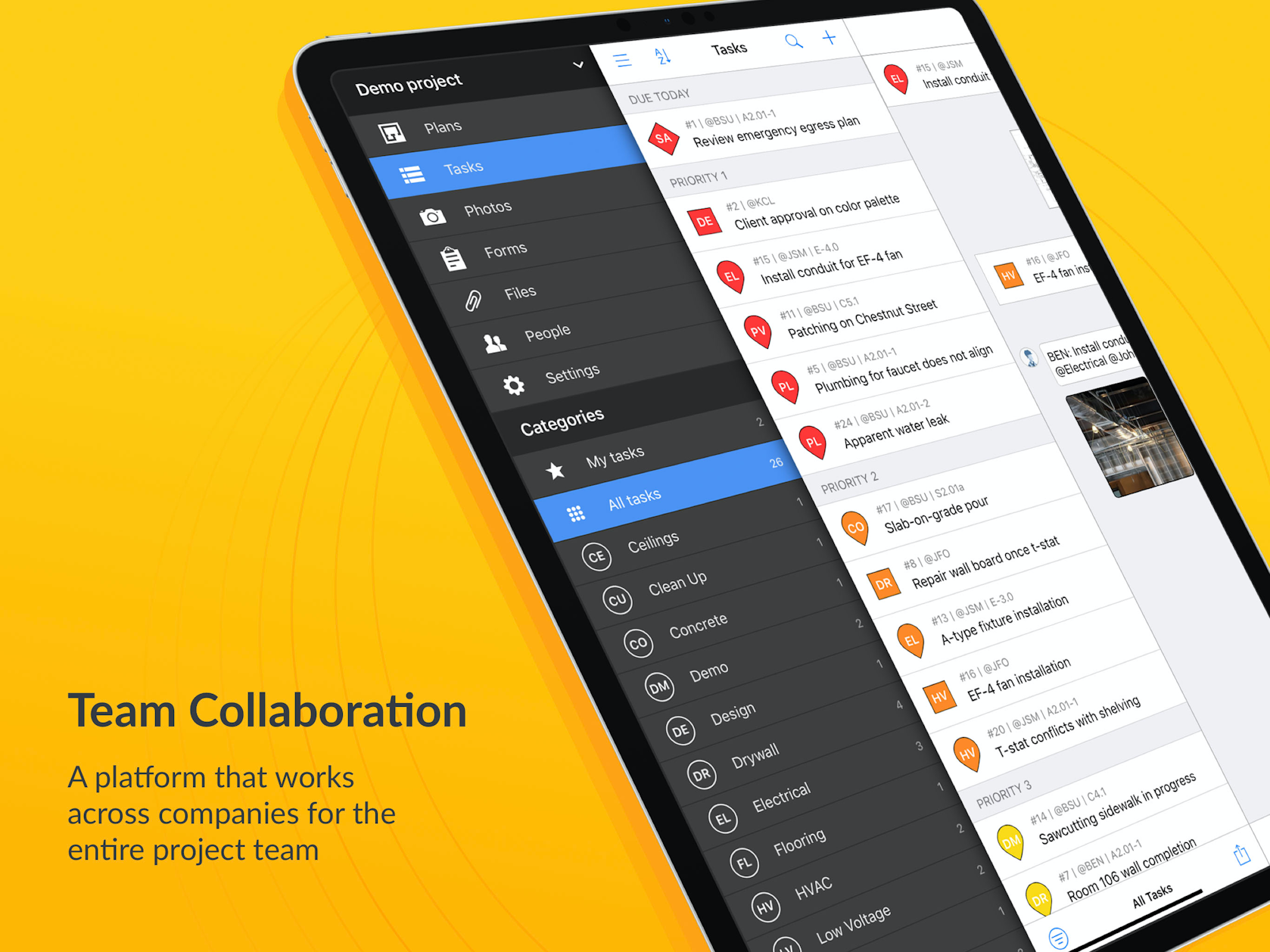
Fieldwire, now owned by Hilti, is a strong all-round field management tool: tasks, scheduling, punch lists, inspections, plan viewing, as-builts and reporting, with RFIs, submittals and change orders on the top plan.
- Usability (8): easy across phone, tablet and desktop, quick to roll out.
- Features (8): very broad.
- Integrations (8): app integrations on the Business plan and above.
- Support (8): help centre, webinars and training content.
- Pricing (7): a free Basic plan for small teams, then Pro (about US$39), Business (about US$64) and Business Plus (about US$89) per user per month on annual billing.
- Customisation (8): custom task statuses, forms and automatic reports, though most of it sits on the higher plans.
Overall: 7.8/10
Fieldwire is excellent for tracking tasks against plans through to completion. The catch is that custom forms, which most builders will want for daily site inspections and safety checks, are on the Business plan. Add pinning issues on plans and you have a very capable auditing and reporting tool, but it gets expensive quickly for a small team.
Autodesk Construction Cloud: Autodesk Build
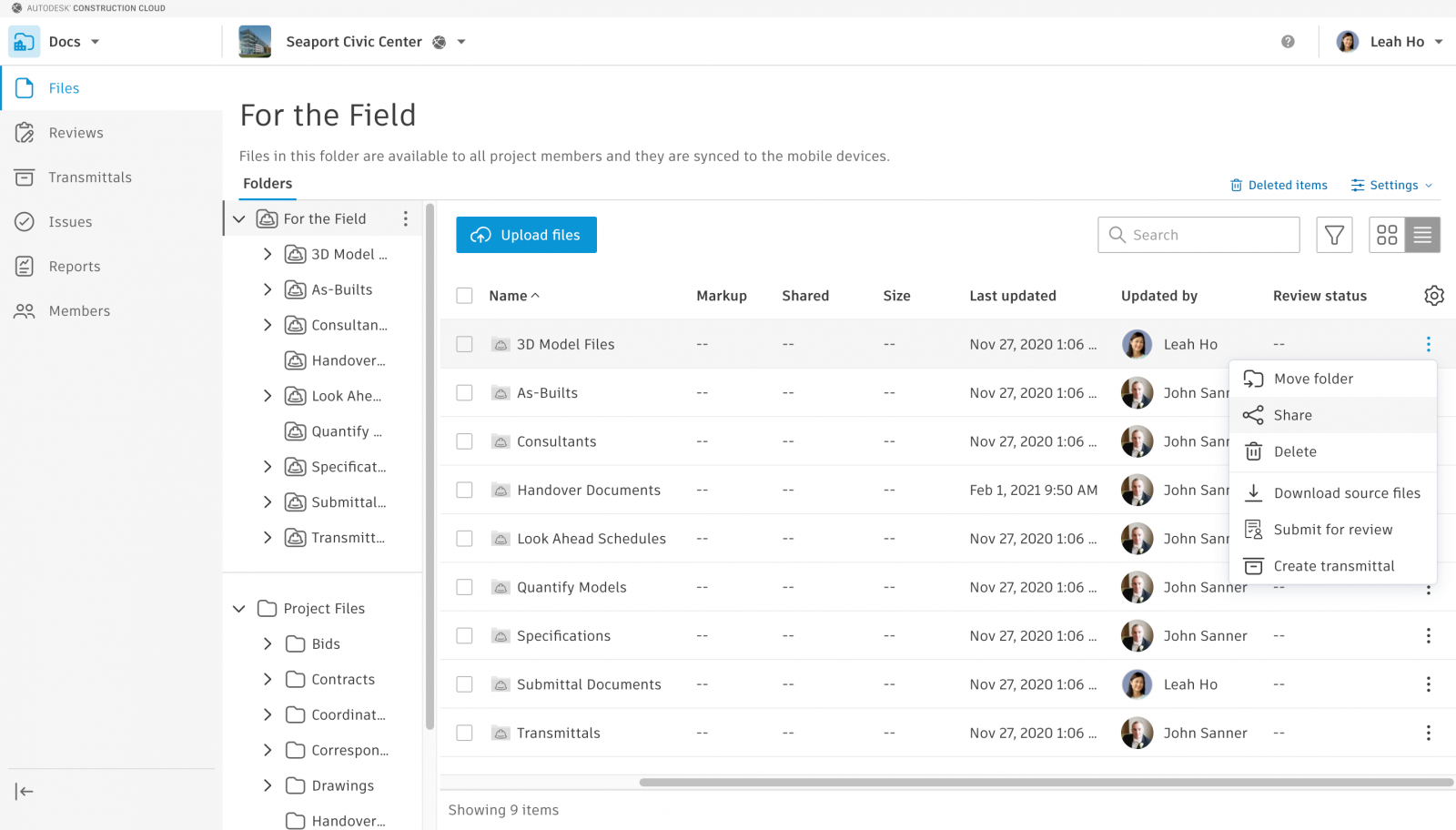
Autodesk Construction Cloud brings together Autodesk Build, Docs, BIM Collaborate and what used to be PlanGrid. You can start with just the Build module and add others later.
- Usability (9): a good mobile app that works online and offline.
- Features (9): 3D model and sheet viewing, field markups, RFIs, checklists and photos. It covers every stage of a project.
- Integrations (8): hundreds of integrations, plus custom integrations through Autodesk Platform Services (formerly Autodesk Forge). Connectors to accounting and other platforms cost extra.
- Support (9): responsive and quick to get you onboarded.
- Pricing (8): sold per user per year, with unlimited projects and sheets on paid plans. Add-on connectors can add significantly to the cost.
- Customisation (9): strong, especially through integrations.
Overall: 8.7/10
I've been a fan since the PlanGrid days. In my experience it's been easier to get started with than Procore, with a better feature set for the way I work.
Also worth a look
We haven't fully reviewed these two, so they aren't scored, but they're worth adding to your shortlist.
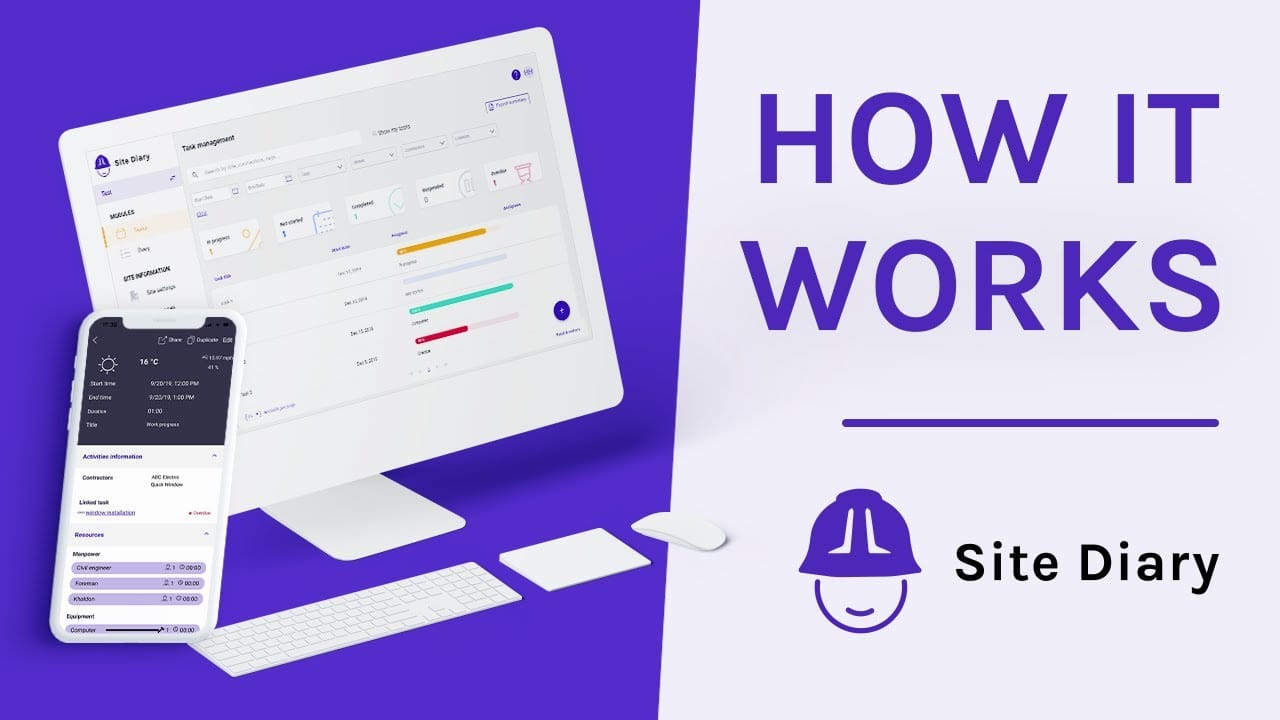
Site Diary (sitediary.com) is focused on what the name says: recording daily activity, weather, labour and events, with offline use and good PDF daily and weekly reports. Some users find setup a bit fiddly, but it's quick to deploy and priced per user per month.
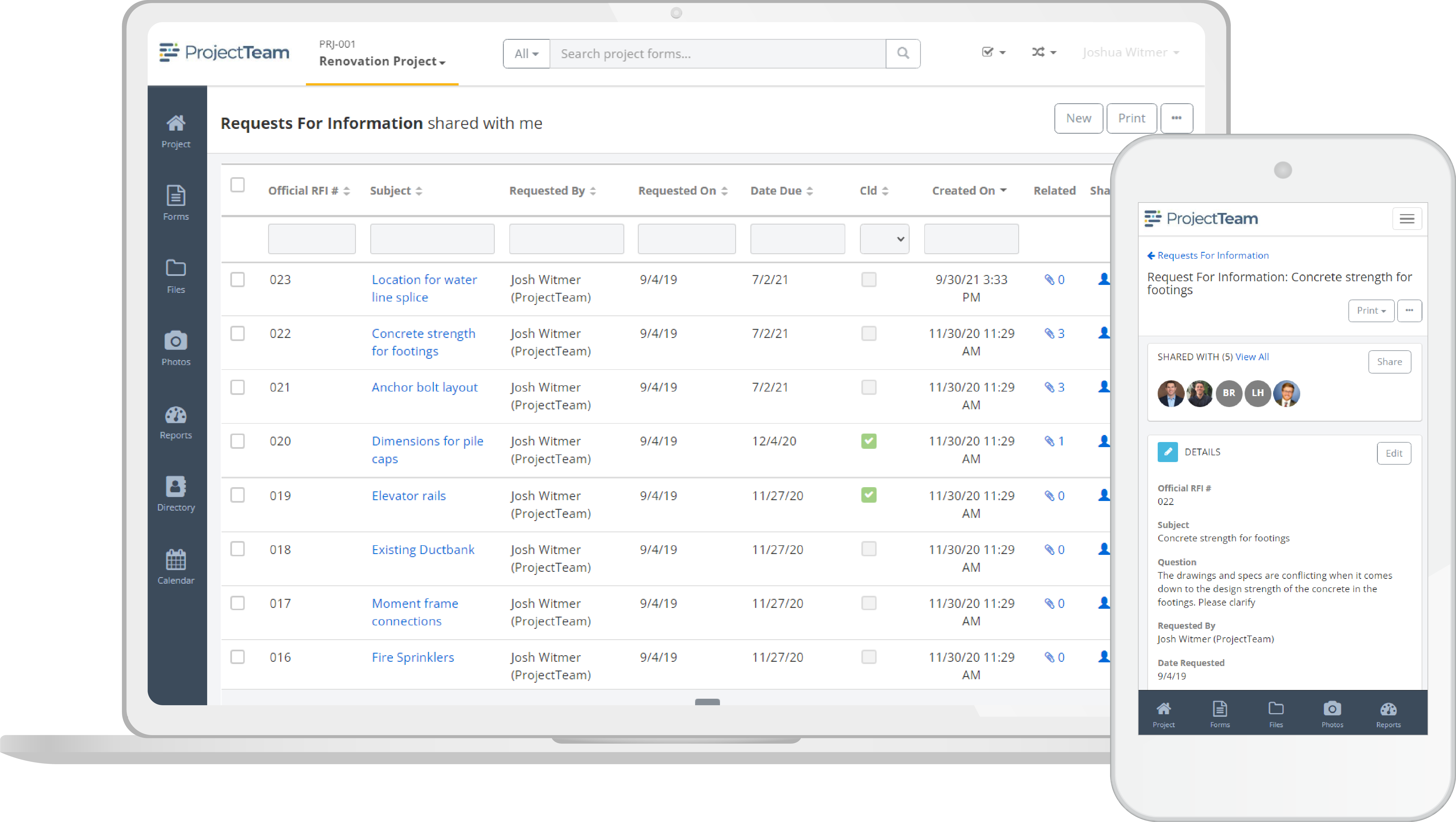
ProjectTeam (projectteam.com) is a broader project management platform with strong customisation, custom forms, RFIs and reporting. Users rate its support highly. It's priced per user per year and has been sold in blocks of users, so it suits larger teams better than a one-person operation.
Our pick
There isn't a single best app; it depends on the size of your business.
- Small builders and inspectors on a budget: Insite. It isn't the highest scorer, but it's the easiest to set up, the cheapest to run and does the daily reporting job well without training. If you're moving off paper for the first time, start here.
- Larger builders who want everything in one platform: Autodesk Build. The highest score, the most features and the best integrations, at a higher price and with more setup.
- Teams who work off drawings all day: Fieldwire, if the Business plan fits your budget.
Whatever you choose, the app only helps if people use it every day. Pick the one your site team will actually open.
Frequently asked questions
What makes a daily report app easy to use? A simple interface, quick entry on a phone, and reports that generate themselves. If it takes longer than a notebook, your team won't use it.
Do they work on Android and iOS? All the apps here run on both, plus a web or desktop version.
How important is customisation? Very, if you want to run your own inspection forms, checklists or ITPs in the app rather than on paper.
Are there free trials? Yes, all of these offer a free trial, a free plan or a demo.
How is pricing structured? Mostly per user per month or year, with features unlocked on higher tiers. Check which plan includes custom forms and reports, as that's often where the price jumps.


